



A useful calculator starts with a clear question. A percentage tool can check a shop discount in seconds. A mortgage calculator needs more information: the loan amount, interest rate and repayment term can change the result substantially.
The wrong calculator can give a precise-looking number that answers the wrong question. These ten websites serve different needs, from unit conversions to financial estimates. This is an editorial selection, not a ranking based on hands-on laboratory testing. Features and availability can change.
Before trusting a result, check the inputs, the date of any data used and whether the website explains its method.
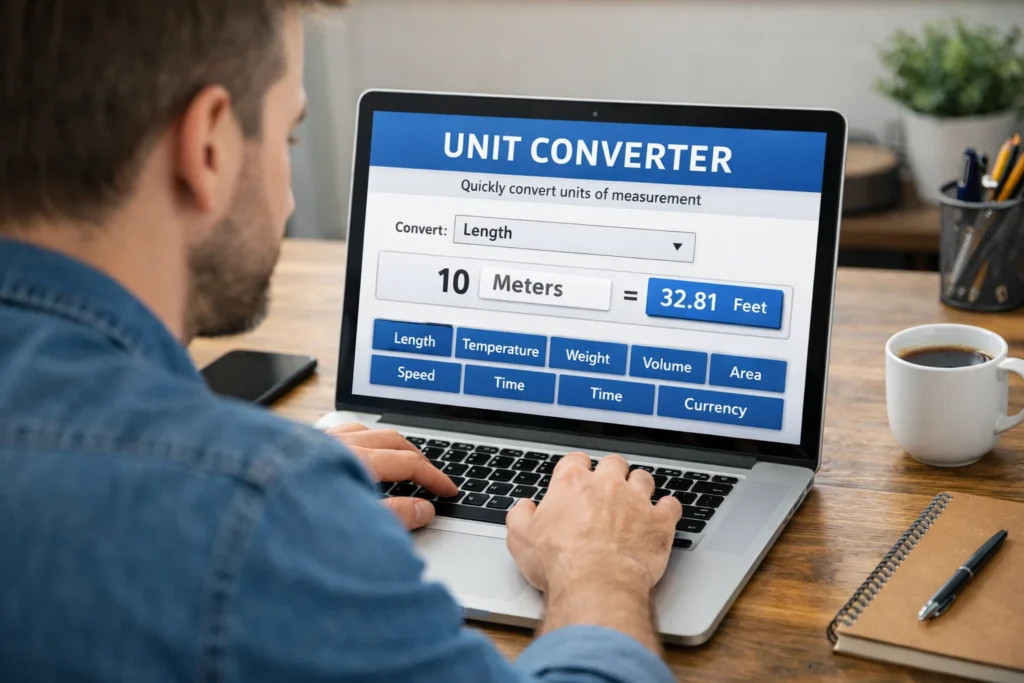
Ten calculator and converter websites to bookmark
1. CoolConverters
A search-oriented starting point for people who know the calculation they need but not which category contains it. Try a familiar conversion first, then check whether the site explains the formula and units.
Search convenience matters, but it should never substitute for showing the assumptions behind a result. CoolConverters is the official site to explore.
2. Omni Calculator
Useful when a question needs several inputs rather than one arithmetic operation. Its subject-based calculators cover everyday and specialist questions. Read the explanatory text alongside a result: an estimate based on assumptions is not the same as a guaranteed outcome. Omni Calculator is the official site to explore.
3. Calculator.net
A practical place to look for finance, mathematics and health-related calculators. It is especially helpful to compare the inputs requested by different tools. For a loan, check whether a result includes fees, taxes and variable interest, rather than looking only at the monthly payment. Calculator.net is the official site to explore.
4. RapidTables
A straightforward option for quick mathematical reference, percentages and common conversions. Its tables can be helpful when you want to see a relationship between units instead of entering a single number. Confirm whether a table uses decimal or binary conventions for digital storage. RapidTables is the official site to explore.
5. The Calculator Site
A useful destination for household calculations, measurements and finance-related questions. It can be easier to start with a specific task, such as converting a baking measurement, than to browse every available tool. Remember that volume-to-weight cooking conversions depend on the ingredient. The Calculator Site is the official site to explore.
6. ConvertWorld
Worth considering when switching among units used in different countries. It can help with distances, temperatures and other measurements encountered while travelling. If you use a currency converter, check the rate’s timestamp and remember that your bank or card provider may add a margin. ConvertWorld is the official site to explore.
7. OnlineConversion
A long-running reference for conventional and less common unit conversions. When working with technical quantities, verify that the source and target units measure the same physical property. Torque and energy, for example, may use similarly named units but describe different things. OnlineConversion is the official site to explore.
8. Unit Converter Ultra
An option to investigate for specialist unit conversions. Before relying on any technical converter, check the exact unit symbols, prefixes and rounding. A misplaced milli-, micro- or kilo- prefix can change an answer by orders of magnitude. Unit Converter Ultra is the official site to explore.
9. GIGAcalculator
Offers tools for mathematical and practical questions, including scenarios with multiple variables. It is useful to compare a result with a simple hand calculation when possible. Pay attention to whether a calculator is reporting a mathematical value, a statistical estimate or a recommendation. GIGAcalculator is the official site to explore.
10. Online Calculator
Suited to people who want an on-screen calculator without learning a specialist interface. Basic arithmetic and scientific functions can be enough for many tasks. For repeated work, check that the tool handles parentheses and the order of operations as expected. Online Calculator is the official site to explore.
How to choose the right calculator
Start by identifying the question, not the brand. If you want to know how many centimetres are in 2.5 metres, a basic converter is enough.
If you want to compare two loans, you need a tool that accounts for repayment term, interest rate and any charges. More features do not automatically mean a better answer.
For financial decisions, distinguish the annual percentage rate from a simple interest rate, and ask whether the calculation assumes a fixed rate throughout the term.
For currency conversions, the quoted market rate is not necessarily what a bank, card or exchange service will charge. Always look at the final amount and fees before making a transaction.
Health calculators need particular care. A body mass index figure, calorie estimate or pregnancy-date calculation cannot assess an individual’s full medical circumstances. Such tools may help organise questions, but they are not a diagnosis or a substitute for professional advice.
For engineering and scientific work, confirm the unit definition and required precision. Rounding may be harmless for a recipe but unacceptable for a design tolerance. Some measurements also depend on conditions: converting a volume of a substance into mass requires its density, and that can vary with temperature.
Three quick checks before trusting a result
1. Test an answer you already know
Enter a simple example first. A 10% discount on 100 should produce 90 as the final price, while 2 metres should equal 200 centimetres. If a tool’s output or labels are confusing on a basic case, do not rely on it for a more complicated one.
2. Look for assumptions and dates
A calculator should make clear which numbers you supply and which it assumes. Currency rates, tax rules and financial products can change; an undated figure should not be treated as current. Where the stakes are high, verify important figures against official sources or your service provider.
3. Keep sensitive information private
You rarely need to enter a full name, account number, medical record or other identifying information to perform a general calculation. Use approximate or anonymised inputs when possible, and review a site’s privacy information before sharing anything sensitive.
Which tool is best for your task?
For a simple conversion, begin with RapidTables, ConvertWorld or OnlineConversion and choose whichever makes the units clearest. For a problem that needs several inputs, try Omni Calculator, Calculator.net or GIGAcalculator.
For everyday arithmetic, an uncomplicated on-screen calculator may be all you need. CoolConverters and Unit Converter Ultra are additional options to test against your particular task.
There is no single winner for every reader. A clean interface can save time, but the most important feature is being able to understand and check the result. If two calculators disagree, compare their inputs and assumptions before deciding that either one is wrong.
Digital tools are useful because they remove repetitive arithmetic, not because they remove judgment. The right calculator gives you a number you can explain, verify and use. For a broader look at how everyday tools shape our habits, read Technology and the Shape of Modern Life.